
The Hidden Charging Dock: Keeping Your Countertops Cord-Free
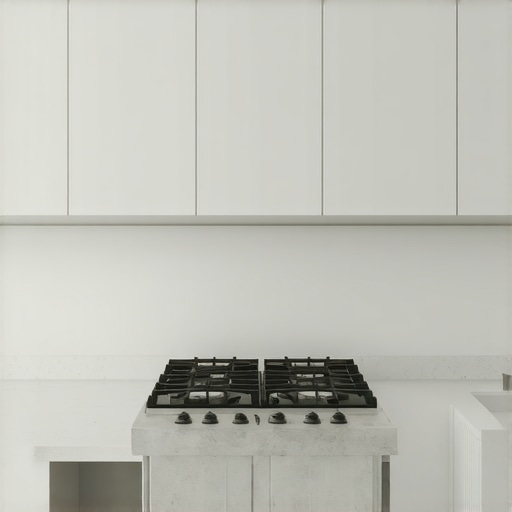
I remember standing in my newly remodeled kitchen, staring at a beautiful, pristine expanse of quartz countertop that I had spent months planning. Then, I plugged in my phone. Within ten minutes, my husband plugged in his tablet, the kids dropped their smartwatches on the island, and a jungle of black and white rubber cords snaked across the surface. It looked like an electronics store exploded right next to my fruit bowl. That was my lightbulb moment: a high-end kitchen remodel featuring custom cabinets is instantly cheapened by a chaotic mess of charging cables. I realized we needed a permanent, invisible solution to keep our everyday tech powered up without sacrificing our hard-earned counter space.
Getting the Cords Off Your Beautiful Quartz
I made a massive mistake during my first major renovation. I assumed that simply adding more wall outlets above the backsplash would solve my power needs. It did not. All it did was invite more devices to sit permanently on display, gathering grease splatters and flour dust while they charged. The real solution lies within your cabinetry. By integrating a dedicated power source inside a drawer or cabinet, you hide the clutter completely. Have you ever found yourself shoving tangled cords into a random junk drawer every time guests walk through the front door? If so, you are definitely not alone in this struggle. This is exactly why we design innovative storage solutions that keep your devices accessible but completely out of sight.
Is an in-drawer charging outlet actually safe?
This is the first thing my husband asked when I brought up the idea. He was terrified we would trap heat inside a wooden drawer and start a fire. It is a completely valid concern. Early DIY attempts at this often involved sketchy power strips squeezed into tight spaces. However, modern, professional-grade in-drawer outlets are engineered with smart thermostats that cut power if the temperature rises, making them incredibly safe. In fact, a recent consumer safety report by The National Fire Protection Association highlights how proper, code-compliant built-in electrical receptacles reduce the risk of accidental liquid spills shorting out loose tabletop cords. When you invest in a proper hidden charging station with a powered drawer, you get peace of mind along with perfectly clean countertops.
Step-by-Step Anatomy of a Powered Drawer
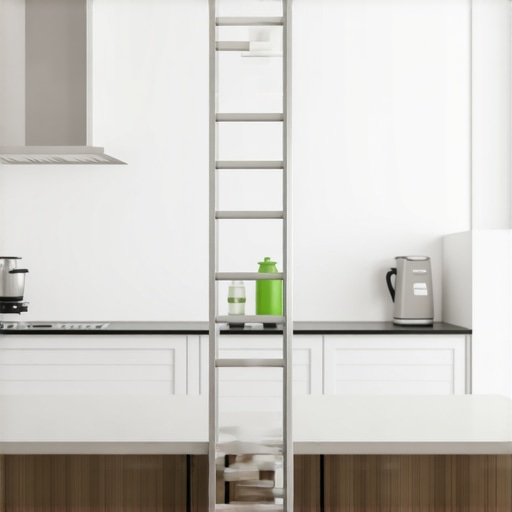
Designing a functional charging drawer is not as simple as dropping an extension cord into a box. Think of it like a folding attic ladder: the mechanism must expand and contract smoothly hundreds of times without pinching, binding, or wearing down. If you do not plan the clearance behind the cabinet box, the moving parts will catch, eventually slicing through the protective insulation of your wiring.
Measure Twice for the Hidden Cable Track
The secret behind a professional install is a metal cable management arm, which sits behind the drawer box and folds up like an accordion. When we executed a high-end kitchen remodel featuring custom cabinets last spring, I initially forgot to account for this track’s depth. The drawer stuck out by a half-inch, refusing to flush up with the rest of the face frame. Learn from my bruised pride: you must ensure your cabinet box has at least three to four inches of dead space directly behind the drawer back. If you are working with tight dimensions, you might need to shorten the drawer box itself to accommodate this mechanical arm.
Secure Your Electrical Connections and Choose the Right Box
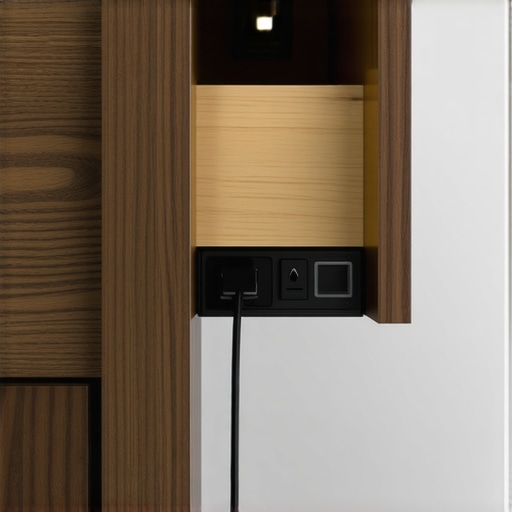
Do not mount a standard plastic blue electrical box inside a moving wooden drawer. Instead, use a specialized metal utility junction box designed for dynamic environments, and pair it with a heavy-duty flexible conduit. When connecting your wiring, use spring-loaded connectors rather than traditional twist-on wire nuts, which can vibrate loose over years of aggressive pulling and pushing. This setup acts as the structural spine of your drawer power, ensuring that even if your kids slam the drawer shut to hide their tablets, the electrical connections remain completely undisturbed. If you are planning other custom layout adjustments, this is also the perfect time to review innovative storage solutions to maximize every remaining square inch of your cabinetry.
Organize the Interior with Custom Dividers
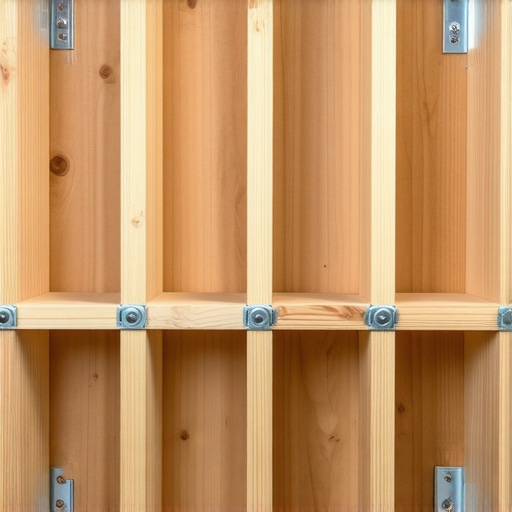
Once you have power, you need to manage the actual devices. If you simply throw five phones into an open drawer, they will slide around and scratch each other. I recommend crafting shallow, felt-lined wooden partitions inside the drawer. During a recent project, we integrated a stepped organizer where tablets sit vertically in slotted grooved dividers, while smaller smartwatches rest on a flat charging pad at the front. By utilizing hidden charging station with a powered drawer components, you ensure every device has a designated parking spot, keeping the cords short, neat, and completely tangle-free.
The Big Storage Myth Most Homeowners Believe
Everyone tells you that maximizing storage space means adding as many deep drawers and pull-outs as your budget allows. But in my experience, over-engineering your cabinetry is actually a massive trap. When we plan innovative storage solutions, the temptation is to build hyper-specific compartments for every single gadget. I have seen clients design custom slots for a specific brand of tablet, only to upgrade their devices two years later and find the new models do not fit. Customization is incredible, but rigidity is your worst enemy during a kitchen remodel.
The real secret lies in built-in flexibility. Instead of fixed dividers, opt for adjustable peg systems or modular wooden inserts. This allows your cabinetry to evolve alongside your household’s changing technology. If you lock yourself into static, hyper-specific dimensions, you will end up with highly expensive, beautifully finished dead space.
What is the biggest mechanical mistake people make with powered drawers?
By far, the most common oversight is ignoring cable fatigue and bend radius limits. Homeowners often DIY these setups by running standard household extension cords through a hole in the back of the drawer. This is a severe safety hazard. According to research by the Electrical Safety First organization, constant bending, pinching, and friction on non-dynamic cabling is a leading cause of electrical insulation failure and localized overheating inside residential walls.
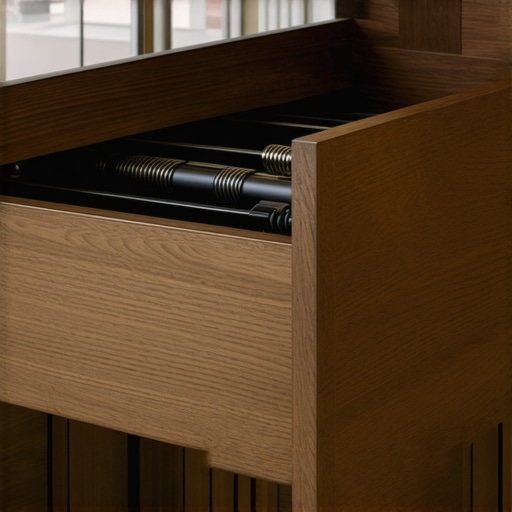
When you utilize professional hidden charging station with a powered drawer components, the industrial-grade ultra-flexible wiring is specifically rated for hundreds of thousands of open-and-close cycles. It is housed inside an articulated arm that dictates a safe bend radius, preventing the wires from ever crimping or snapping.
The Ventilation Trap You Cannot Afford to Ignore
Another nuance that cabinet designers often overlook is thermal management. We think of phones and tablets as passive objects, but multiple lithium-ion batteries charging simultaneously inside a closed, sealed wooden drawer generate significant ambient heat. Wood is a natural insulator, meaning it traps that heat inside the cabinet cavity.
To combat this, we always recommend routing subtle ventilation slots into the back panel of the cabinet housing, or choosing door and drawer layouts that allow for natural air convection. Failing to plan for heat dissipation can degrade your device’s battery health over time, or worse, trigger safety shut-offs. Have you ever fallen into this trap or noticed your devices getting warm while charging in a cabinet? Let me know in the comments below! If you are ready to plan a smarter, safer layout, you can always contact us to discuss your next upgrade.
Maintaining a hidden charging station isn’t something you can just set and forget. Over years of opening and closing your custom-built tech drawers, dust bunnies, stray hair ties, and microscopic debris will inevitably find their way into the tracking mechanism. That is why I personally keep a specialized maintenance kit tucked right under our sink, specifically designed to protect the moving parts of our cabinetry.
How do I maintain my custom built-in charging drawer over time?
To keep the system sliding flawlessly, you should perform a quick inspection twice a year. First, vacuum the dust out of the rear cavity where the power cable arm moves; a simple crevice tool on your vacuum works wonders here. Second, avoid standard oil-based lubricants like WD-40 on your drawer slides because they act as magnets for dust and grit, which eventually gums up the bearings. Instead, I always use a dry PTFE fluoropolymer spray. It leaves a dry, slick micro-thin film that lubricates without attracting a single speck of dirt.
You also want to periodically check the physical integrity of your drawer box itself to prevent alignment issues. If you notice the front panel shifting, you may need to make minor adjustments before the wood begins to grind. For physical wooden cabinet repairs, you can easily learn how to fix a cabinet door that is rubbing the frame to prevent premature wear on your beautiful face frames.

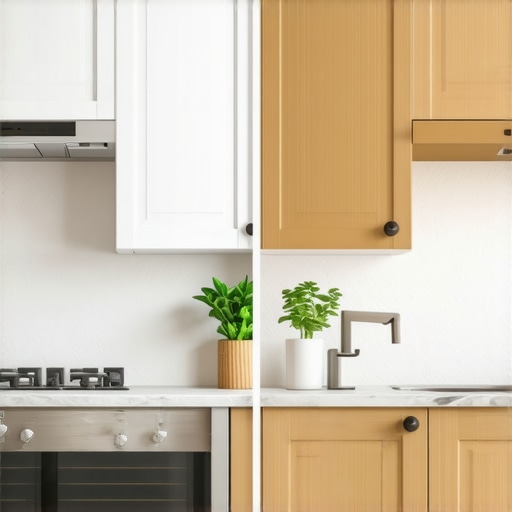
Looking ahead, the future of in-cabinet power is rapidly shifting toward completely wireless, magnetic resonance charging surfaces integrated directly into the wood substrate. Industry standards published by the Wireless Power Consortium indicate that near-field power transfer will soon allow us to charge devices simply by resting them on a custom wood shelf, eliminating cables altogether. For now, investing in high-quality mechanical tracks remains the gold standard. I highly encourage you to take action on this today: look at your current layout and plan a dedicated drawer space using these advanced cable-management tracks. If you are ready to elevate your kitchen’s utility and aesthetics, you can always contact us to discuss incorporating these smart systems into your next kitchen remodel featuring custom cabinets.
The Hardest Lessons I Learned Designing Tech-Friendly Cabinetry
When I first started planning our integrated charging setups, I made several mistakes that you can easily avoid. First, I underestimated how much physical space a high-end surge protector requires when hidden inside a drawer frame. Second, I failed to realize that kids will inevitably try to pull drawers open beyond their safety limits if a charging cable gets caught. This is why investing in premium hardware isn’t just about smooth gliding—it is about structural safety. Finally, I learned that a successful kitchen remodel requires planning your technology integration at the very beginning of the layout phase, not as an afterthought during hardware installation.
My Essential Technical Library for Smarter Renovation Projects
If you want to dive deeper into smart home integration and electrical planning, I highly recommend checking out these resources. For technical clearance guides and safe building practices, refer to the official design standards updated by the National Electrical Code. I also frequently consult safety briefs published by the National Fire Protection Association. For beautiful styling inspiration that combines high-end aesthetic value with utility, study our portfolio of modern kitchen remodels featuring custom cabinets to see how we seamlessly integrate active power docks into daily workspaces.
Taking the Leap Toward a Truly Cord-Free Cooking Environment
Stepping into a newly remodeled space should bring you immediate peace of mind, not a fresh reminder of the daily cord struggle. Making the switch to a dedicated hidden charging station with a powered drawer is one of those small, highly functional design decisions that pays dividends every single day. If you want to keep your family’s smart devices safe, clean, and organized without sacrificing your workspace, planning these details early is key. Have you ever struggled with keeping messy charging cables off your beautiful kitchen island? Let me know in the comments below!